
Plugins & Mods
The plugins module is responsible for the management of the plugins and mods on the server. Browse installed resources, search the marketplace, and install new ones with a single click.
Installed Resources
The main view shows all plugins (Spigot/Paper) or mods (Fabric) currently installed on your server:
| Information | Description |
|---|---|
| Name | The plugin/mod name |
| Version | Currently installed version |
| Description | Brief description of functionality |
| Author | The developer(s) |
| Status | Whether it's enabled or disabled |
Managing Installed Resources
- Enable/Disable: Toggle plugins on or off (requires server restart)
- Delete: Remove the plugin/mod file from the server
- Update: If an update is available, install the latest version
Marketplace
Browse and install plugins/mods directly from popular repositories:
Supported Providers
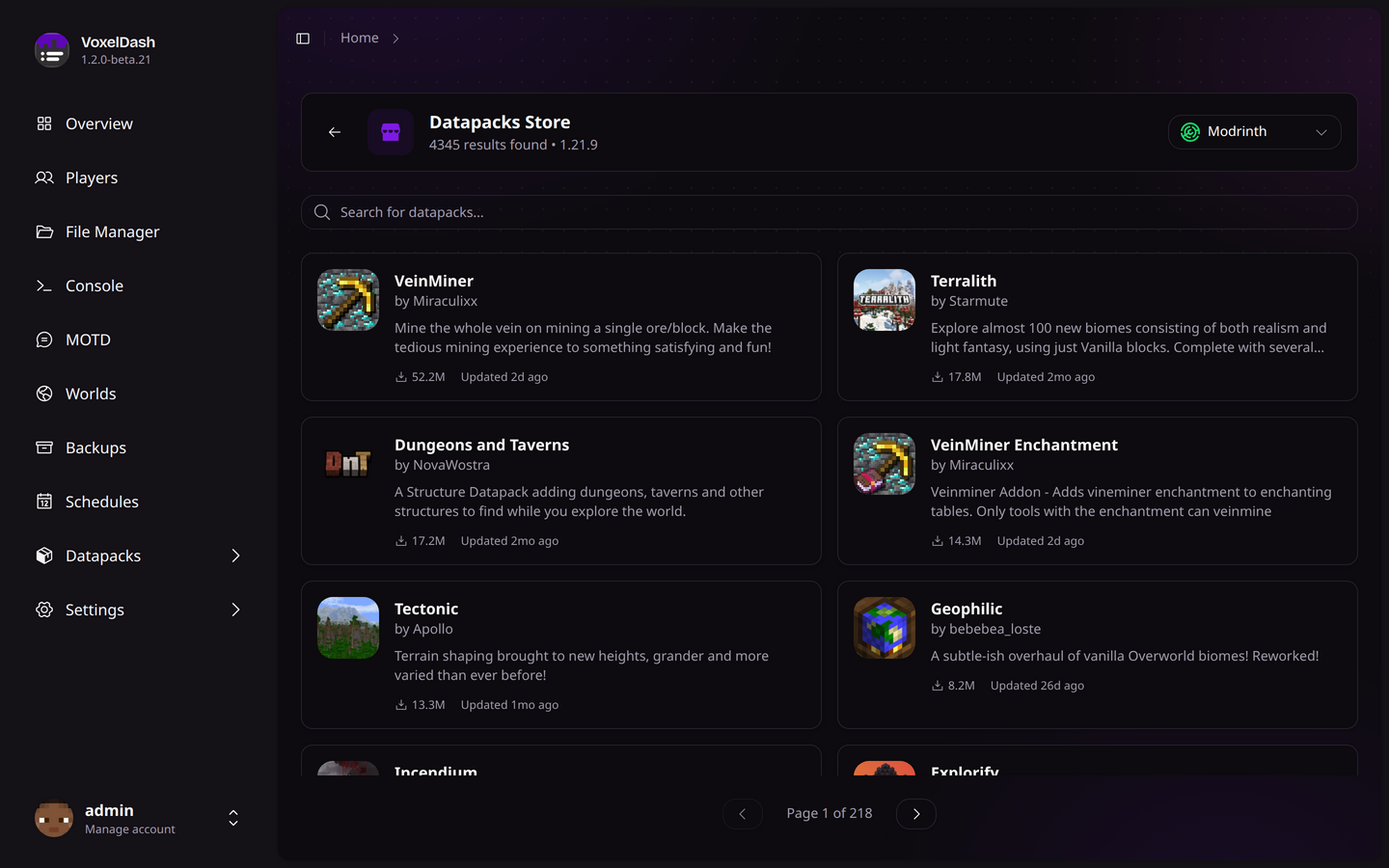
Browse the Modrinth catalog for both plugins and mods. Modrinth is open-source and has a large collection of quality resources.
No API key required - Works out of the box!
Installing from Marketplace
- Switch to the Store tab
- Search for the plugin/mod you want
- Click on a result to view details
- Select the version compatible with your server
- Click Install
VoxelDash will automatically download and install the resource to the correct folder.