
Game Rules
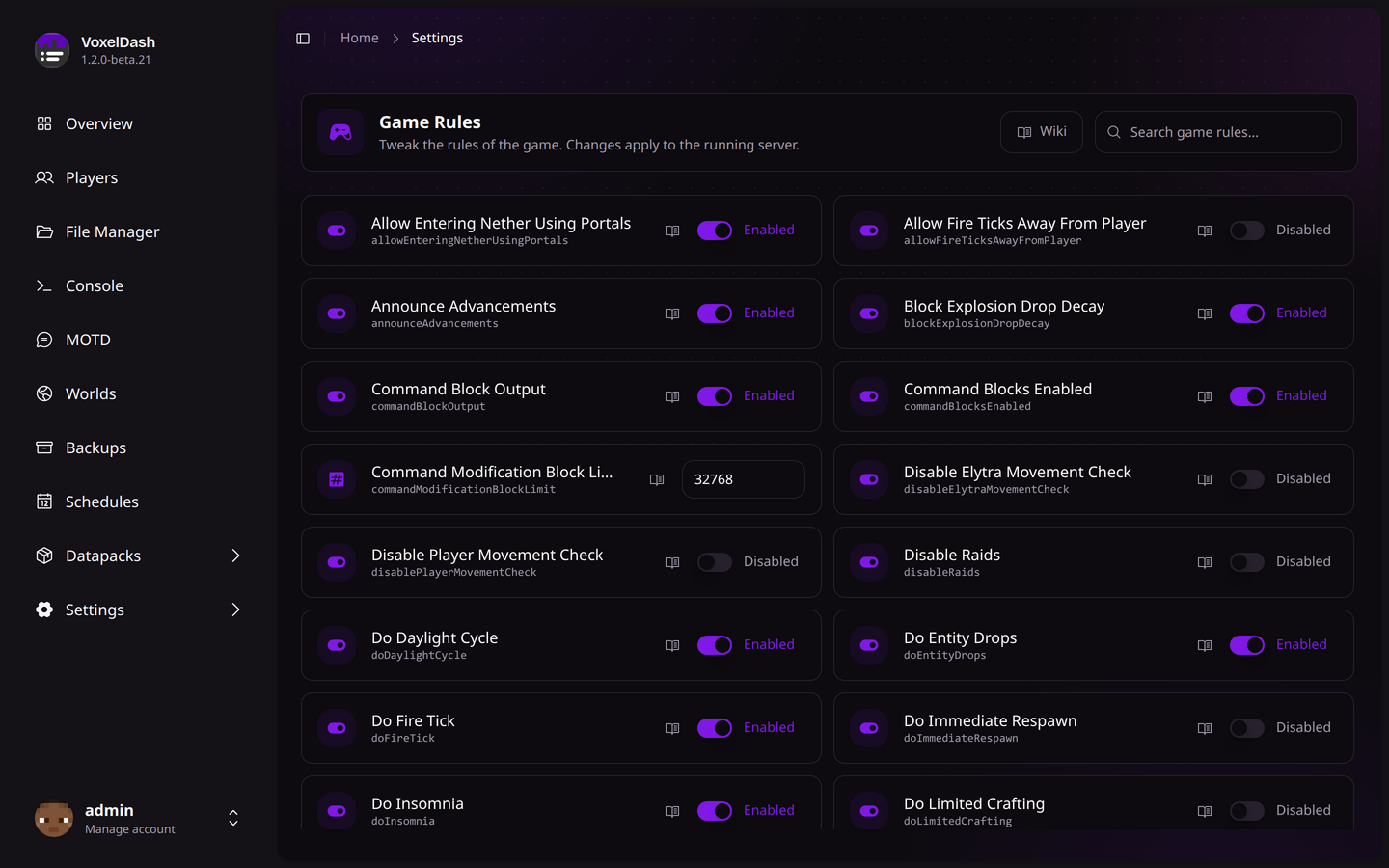
The game rules module lets you change the rules of the game from a searchable list, applied straight to the running server.
Overview
Game rules control how the game behaves - things like whether mobs spawn, whether the day/night cycle runs, or whether players keep their items when they die. VoxelDash reads the available rules straight from your server, so the list always matches your Minecraft version.
Each rule shows its name and a short identifier (the in-game rule name). Use the search box at the top to quickly find the one you're looking for.
Changing a Rule
Most rules are simple on/off toggles - flip the switch to enable or disable them. A few rules take a number instead (like randomTickSpeed or spawnRadius); for those you get a number field.
Changes apply to the running server immediately, the same as running a /gamerule command in the console.
A rule you've changed away from its default is marked as Changed, and you can use Reset to default to put it back. Each rule also links to the Minecraft Wiki if you want a full explanation of what it does.
You'll find Game Rules under Settings in the sidebar, alongside the server settings.