
Players
The players module is responsible for the management of the players on the server. It allows you to see all players on the server and to manage them.
Online Players
The online players section shows all players that are currently online on the server. For each player, you can view:
- Name & UUID: The player's Minecraft username and unique identifier
- World: The current world the player is in
- IP Address: The player's connection IP
- Health & Hunger: Current health and hunger levels
- Gamemode: The player's current gamemode (Survival, Creative, Adventure, Spectator)
- Playtime: Total time the player has been online
- Operator Status: Whether the player has operator privileges
Player Actions
Right-click on any online player to open the actions menu:
- Change Gamemode: Switch between Survival, Creative, Adventure, or Spectator
- Teleport: Send the player to coordinates, to another player, to spawn, or to a different world
- Inventory: View and edit what the player is carrying - move, give, or clear items
- Profile: Look at the player's stats and details
- Whisper: Send a private message that only that player sees
- Kick: Remove the player from the server with an optional reason
- Mute / Temp-ban: Silence a player or ban them for a set amount of time
Some actions depend on your server software. Anything that isn't supported on your platform simply won't appear in the menu.
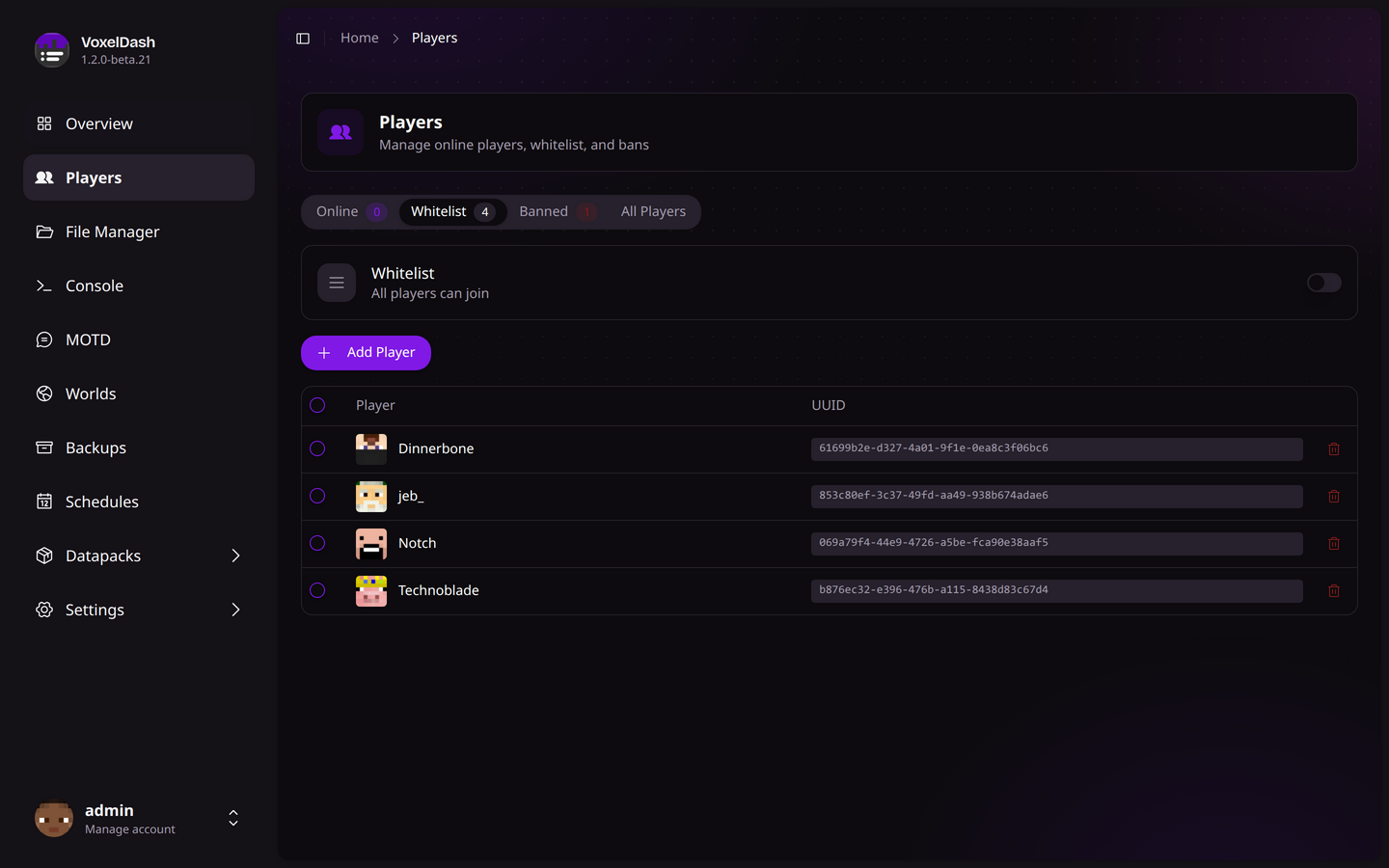
Whitelisted Players
The whitelist section allows you to manage which players are allowed to join your server when the whitelist is enabled.
Managing the Whitelist
- Enable/Disable: Toggle the whitelist on or off using the switch at the top
- Add Player: Enter a player's username to add them to the whitelist
- Remove Player: Click the remove button next to any player to revoke their access
Players added to the whitelist don't need to be online. VoxelDash will look up their UUID automatically.
Banned Players
The banned players section displays all players who have been banned from your server. Each entry shows:
- Player Name & UUID: Identifying information
- Ban Reason: Why the player was banned
- Banned By: Who issued the ban
- Ban Date: When the ban was applied
Managing Bans
- Ban Player: Add a new ban with a custom reason
- Unban Player: Remove a ban to allow the player to rejoin
Operators
Manage server operators (admins) who have access to administrative commands:
- Add Operator: Grant operator privileges to a player
- Remove Operator: Revoke operator status